

Piloting with BYU instructors, Winter 2027
AI learning activities that show how students think.
Case discussions, quizzes and explain-it-back activities that connect to your Canvas course and show you what your class understands.
Students adapted to AI. Most assignments haven't.
Students changed how they work almost overnight. Most assignments still grade a finished product, and a polished essay no longer proves understanding.
Classes that ban AI have detectors and proctoring. Technical classes that allow it have real tools. But a history, business or writing class that allows AI has little more than “tell us how you used it.” That's the gap DALAA fills.
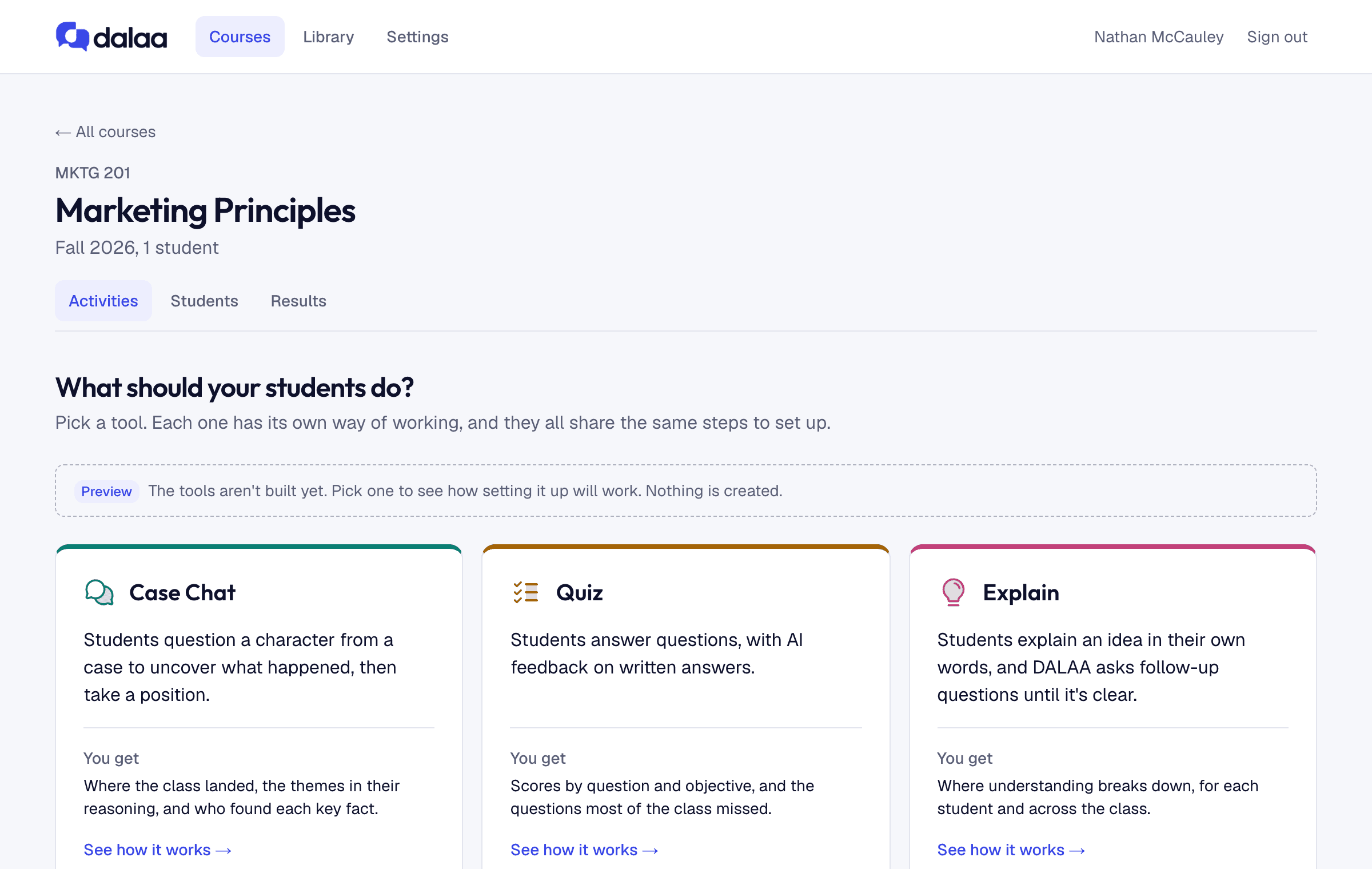
Focused tools, not a prompt box.
Each activity is built around how that kind of learning works. They share one home that connects to Canvas, so setup takes minutes and grades flow back to your gradebook.
- Study Chat
Students read your material, then talk it through with an AI: explain it, apply it, debate it, or question a character from a case.
You getA grade for each student against your rubric, with the parts of the chat that earned it.
- QuizzerComing soon
Students answer questions, with AI feedback on written answers.
You getScores by question and objective, and the questions most of the class missed.
- Oral AssessmentComing soon
Students answer questions out loud, and DALAA asks follow-ups the way an examiner would.
You getA score for each student, with the spoken answers that earned it.
of the class took this position. Click for anonymous quotes, then run the discussion.
See how your class thinks.
- Positions and themes across the class after every activity.
- What each student understood, with evidence in their own words.
- Grades post to Canvas when you say so, and never overwrite a grade you changed.
For students, AI becomes a sparring partner.
They question it, defend a position to it and explain ideas to it. They learn the material more deeply, and practice using AI the way they will at work.
Set up in minutes, inside the course you already teach.
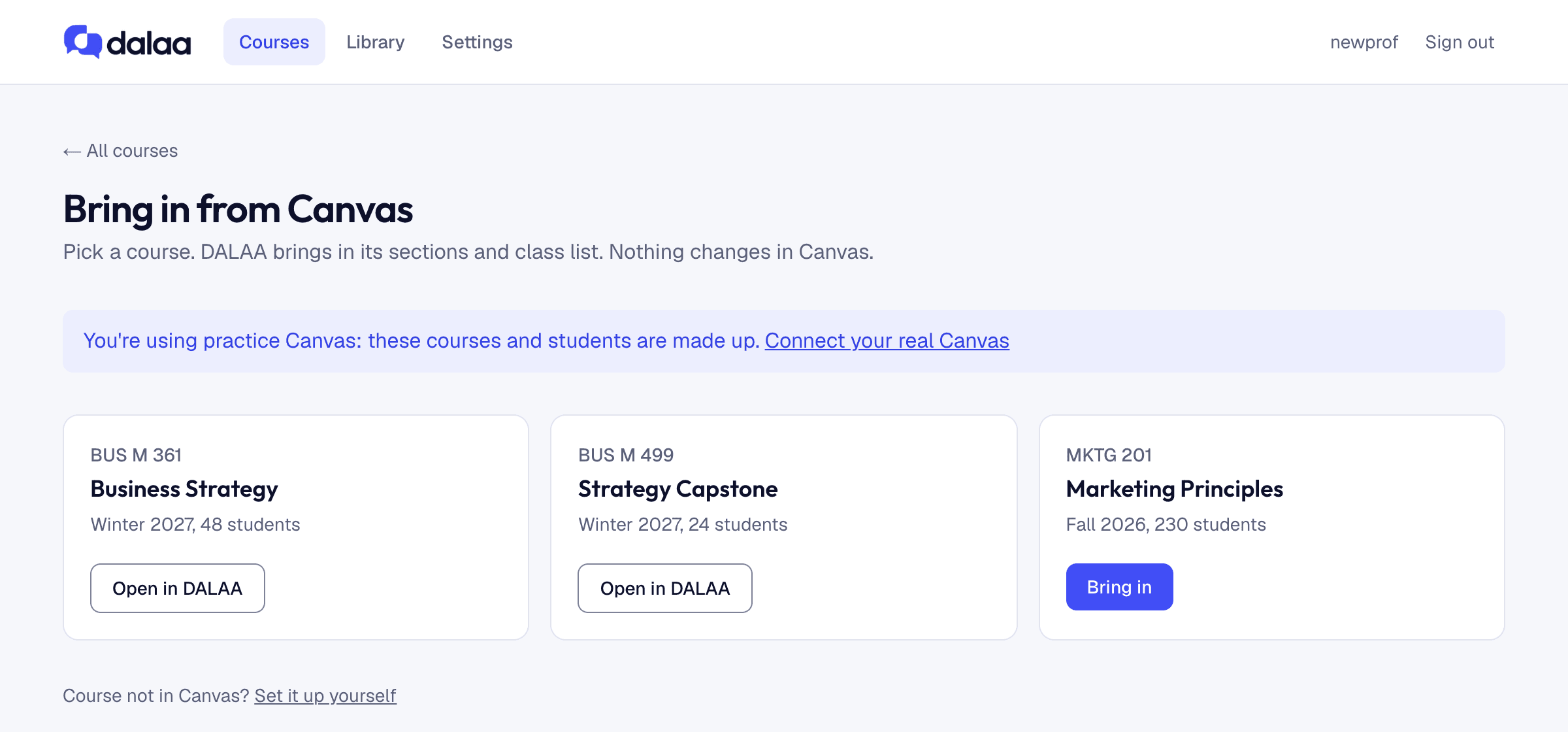
Connect Canvas
Paste a Canvas access token once. DALAA reads your courses; nothing changes in Canvas until you ask.
Bring in a course
Pick it from your list. Sections and class list come with it, and students sign in with their login ID.
Choose what students do
Pick a tool and give it your reading or case. DALAA drafts the activity for you to edit.
Want DALAA in your class?
We're working with a small group of instructors for Winter 2027. Book a walkthrough and we'll set up a course with you.